
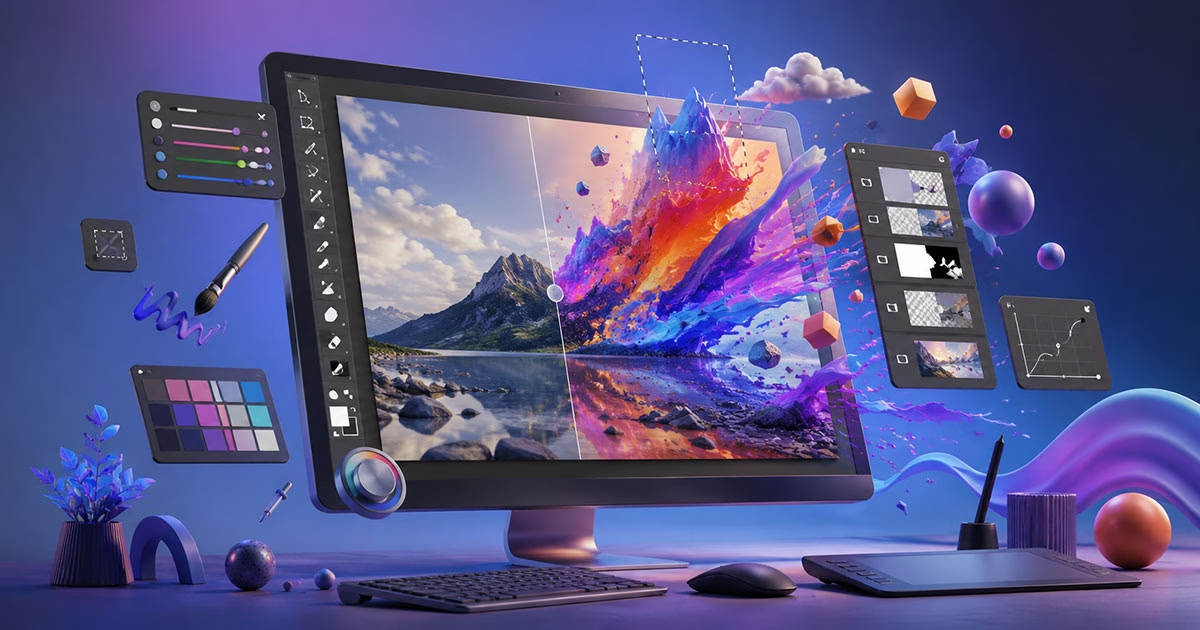
Adobe Photoshop remains one of the most powerful creative tools in the world.
Whether you want to edit photos, create digital artwork, design social media graphics, or build professional marketing visuals, Photoshop gives you the tools to do it all.
But for beginners, Photoshop can feel overwhelming.
Too many tools. Too many panels. Too many tutorials that assume you already know the basics.
That’s exactly why this course was created.
This Photoshop course on Udemy is designed to take complete beginners step-by-step through the software while also helping intermediate users sharpen real-world editing and design skills.
Instead of overwhelming theory, the focus is on practical execution — learning by building, editing, and creating projects that mirror real creative workflows.
If you want a structured, beginner-friendly way to learn Photoshop step-by-step, you can enroll in the complete course here:
Section 1: Getting Started with Adobe Photoshop
Every strong Photoshop skill starts with understanding the workspace properly.
In this section, students learn:
- Introduction to Adobe Photoshop
- Creating a New Document
- Workarea Overview
This foundation matters more than most beginners realize. Many people struggle with Photoshop simply because they never become comfortable with the interface, tools, and layout.
This section removes that friction early so students can work faster and with more confidence as the course progresses.
Section 2: Basic Tools for Editing
Once the basics are clear, students move into essential editing tools used in almost every Photoshop project.
Topics include:
- Working With Layers
- Marquee Tools
- Lasso Tools
Layers are one of the most important concepts in Photoshop. Understanding how they work gives students far more control over editing, compositing, and design work.
The selection tools taught in this section help students isolate objects, make adjustments precisely, and begin creating more professional-looking edits.
These are foundational skills that apply across photo editing, graphic design, and digital art projects.
Section 3: Building a Digital Landscape Scene
One of the fastest ways to learn Photoshop is through project-based creation.
In this section, students build a complete digital landscape scene from scratch, including:
- Creating a Scene
- Creating the Sky
- Creating the Sun
- Creating Mountains
- Creating Clouds
- 2D Scene Final Touch-Ups
This project helps students understand how Photoshop tools work together in a real creative workflow.
Instead of learning isolated features, students practice composition, layering, blending, lighting, and scene-building techniques in a structured way.
By the end of this section, students will have completed an actual digital artwork project they can showcase or build upon.
By this stage of the course, students are already creating complete scenes and learning professional editing workflows.
Explore the full Photoshop course here
Section 4: Mastering Image Editing and Background Removal
Background removal is one of the most in-demand Photoshop skills today.
From eCommerce product images to YouTube thumbnails and social media graphics, clean subject isolation is a valuable skill across industries.
This section covers:
- Opening an Image
- Raster vs Smart Object
- Remove Product Background
- Remove Background From Hair
Hair masking and complex selections are areas where many beginners struggle. This course breaks those techniques down into manageable steps so students can understand not only what to do, but why each method works.
Understanding Smart Objects also helps students edit more professionally and non-destructively.
Section 5: Advanced Image Retouching and Enhancements
This section focuses on professional-level image improvement and retouching techniques.
Topics include:
- Working With Adjustments
- Effects
- Healing Tools
- Content-Aware Tool
- Dodge and Burn
- Clone Stamp Tool
These tools are widely used in photography, advertising, branding, and professional image editing workflows.
Students learn how to:
- Improve lighting and color
- Remove distractions and imperfections
- Retouch images naturally
- Enhance image quality without over-editing
The goal is not simply making edits look “flashy,” but making them look clean, intentional, and professional.
Section 6: Mastering Fonts and Typography in Photoshop
Typography is often overlooked in Photoshop courses, but it plays a huge role in design quality.
In this section, students learn:
- Adding New Fonts in Photoshop
- Typography Basics
Good typography improves:
- Social media designs
- Posters
- Thumbnails
- Advertisements
- Brand visuals
Students will understand how font choices affect readability, aesthetics, and visual hierarchy — essential skills for modern digital design.
Section 7: Creative Effects with Photoshop Filters
Photoshop filters can dramatically speed up creative workflows when used correctly.
This section covers:
- Working With Filters
- Conclusion
Rather than relying on filters as shortcuts, students learn how to use them intentionally to enhance creative projects and achieve specific visual styles.
Why This Photoshop Course Stands Out
Many Photoshop tutorials focus too heavily on isolated tools without teaching students how to apply them in real projects.
This course takes a more practical approach.
Students move from:
- Understanding the interface
- Learning core tools
- Building creative projects
- Editing professional images
- Applying advanced retouching techniques
- Improving typography and effects
The structure is designed to reduce confusion while steadily building confidence.
Who This Course Is For
This course is ideal for:
- Complete beginners
- Content creators
- Graphic design beginners
- Social media managers
- Freelancers
- Digital artists
- Entrepreneurs creating their own visuals
- Anyone wanting practical Photoshop skills
No advanced experience is required to get started.
Final Thoughts
Photoshop is one of the most valuable digital creative skills you can learn today.
But learning it effectively requires more than random tutorials.
You need a structured path that helps you build confidence while working on practical projects that mirror real creative tasks.
This course is designed to provide exactly that.
If you’re ready to learn Photoshop through practical projects and real editing workflows, you can join the complete Udemy course here
Whether you’re a beginner, content creator, freelancer, or aspiring designer, this course is built to help you move from confusion to confident creation.
Discover more from Prime Inspire
Subscribe to get the latest posts sent to your email.


